

Gateway HTTP Filtering on all ports available in open BETA
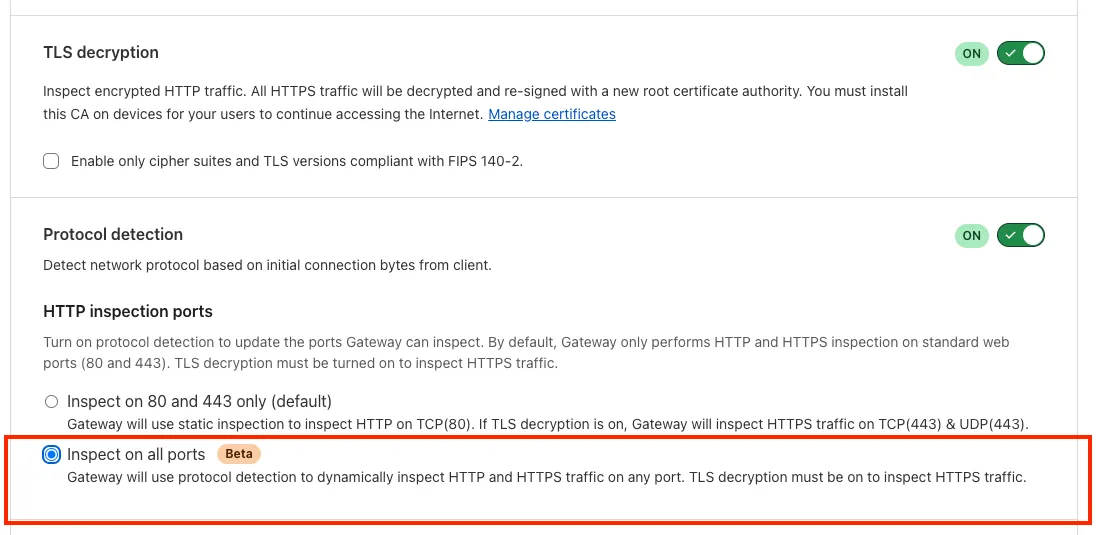
Gateway can now apply HTTP filtering to all proxied HTTP requests, not just traffic on standard HTTP (80) and HTTPS (443) ports. This means all requests can now be filtered by A/V scanning, file sandboxing, Data Loss Prevention (DLP), and more.
You can turn this setting on by going to Settings > Network > Firewall and choosing Inspect on all ports.
To learn more, refer to Inspect on all ports (Beta).